DKReminder — reminder manager

Important things don't have to stay in your head.

Choose ready-made options, set flexible recurrence, and keep the details of your tasks close — so you can return to them at the right moment.

Available on Google Play No account required for local reminders Stored locally
DKReminder emblem: D and K letters, a lamp, and a reminder checklist

For Android

A reminder app for Android, shaped around your routine.

DKReminder helps with one-time and recurring reminders for everyday tasks. Start with a ready-made option and configure basic recurrence. When you need more advanced automation or dedicated Meeting and Deadline scenarios, DKReminder Pro adds them.

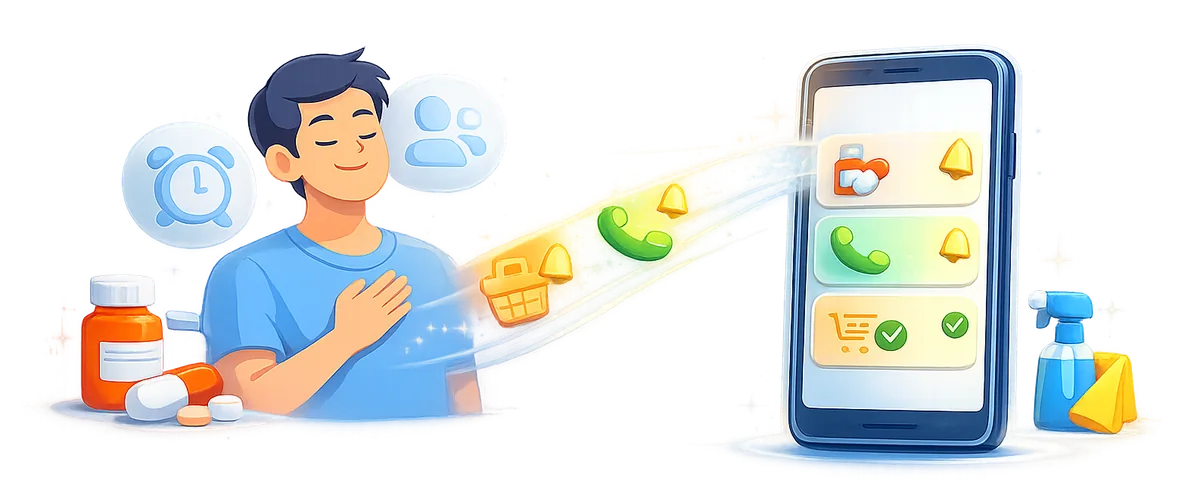
A person hands everyday tasks to an app that helps remember them

Get started easily

Choose a ready-made option and start with the essentials already set.

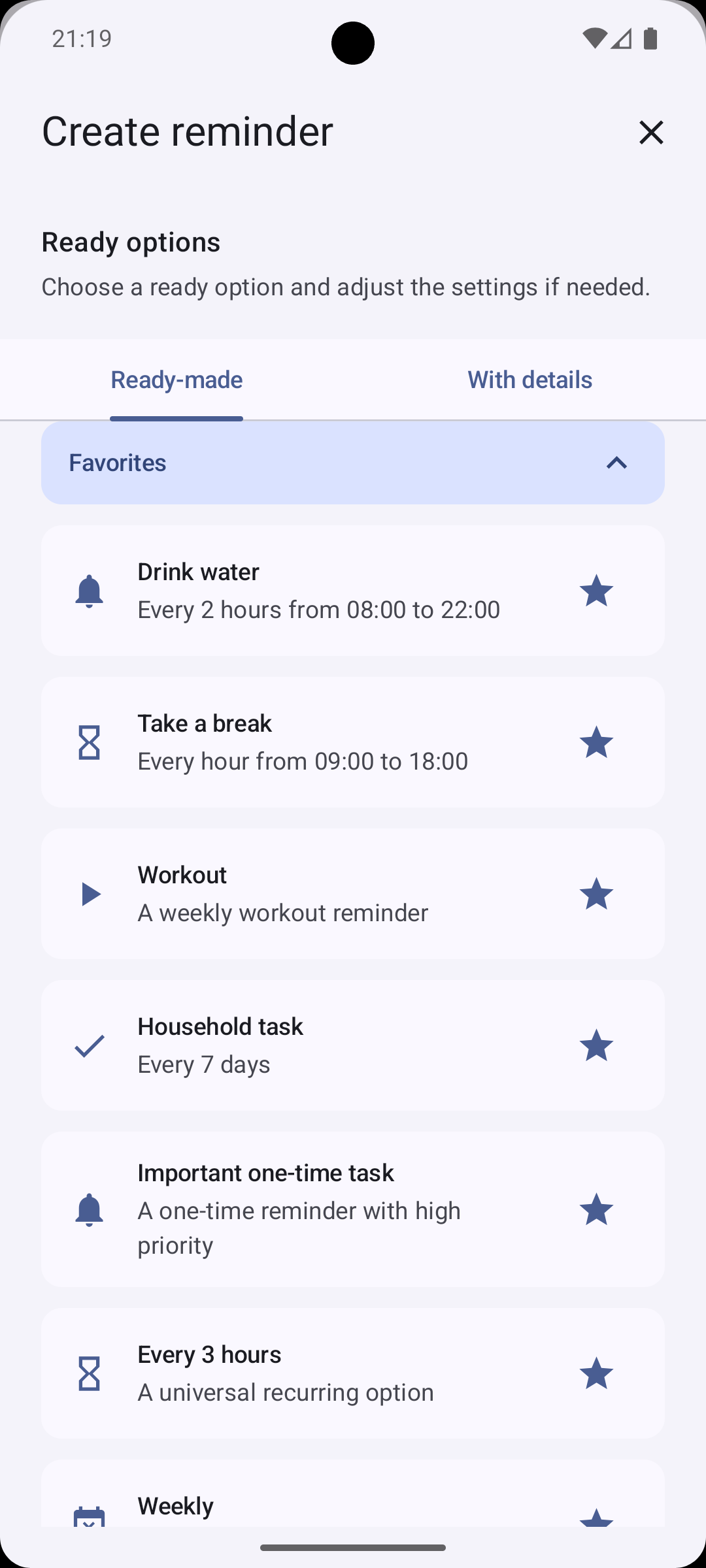
Choose an option for everyday tasks: water, breaks, home, documents, workouts, or important events. Change the title, time, and recurrence to suit you — you stay in control before saving.

Dozens of ready-made options for everyday tasks.

The reminder creation screen with ready-made options and favorites
Choose a foundation and make it your own.

DKReminder Pro

More control for reminders that need it.

Pro adds guided creation, more advanced automation, and dedicated scenarios. DKReminder remains fully useful without a subscription: basic reminders, the full editor, history, backups, and access to your own data continue to work. The app-wide sound playback count is also available without a subscription; Pro is required only for a separate value on an individual reminder.

  • Step-by-step reminder creation
  • Daily manual cycle
  • Monthly recurrence from month end
  • Schedule from last completion
  • Custom repeat alerts
  • Custom sound playback count
  • Active missed-reminder control
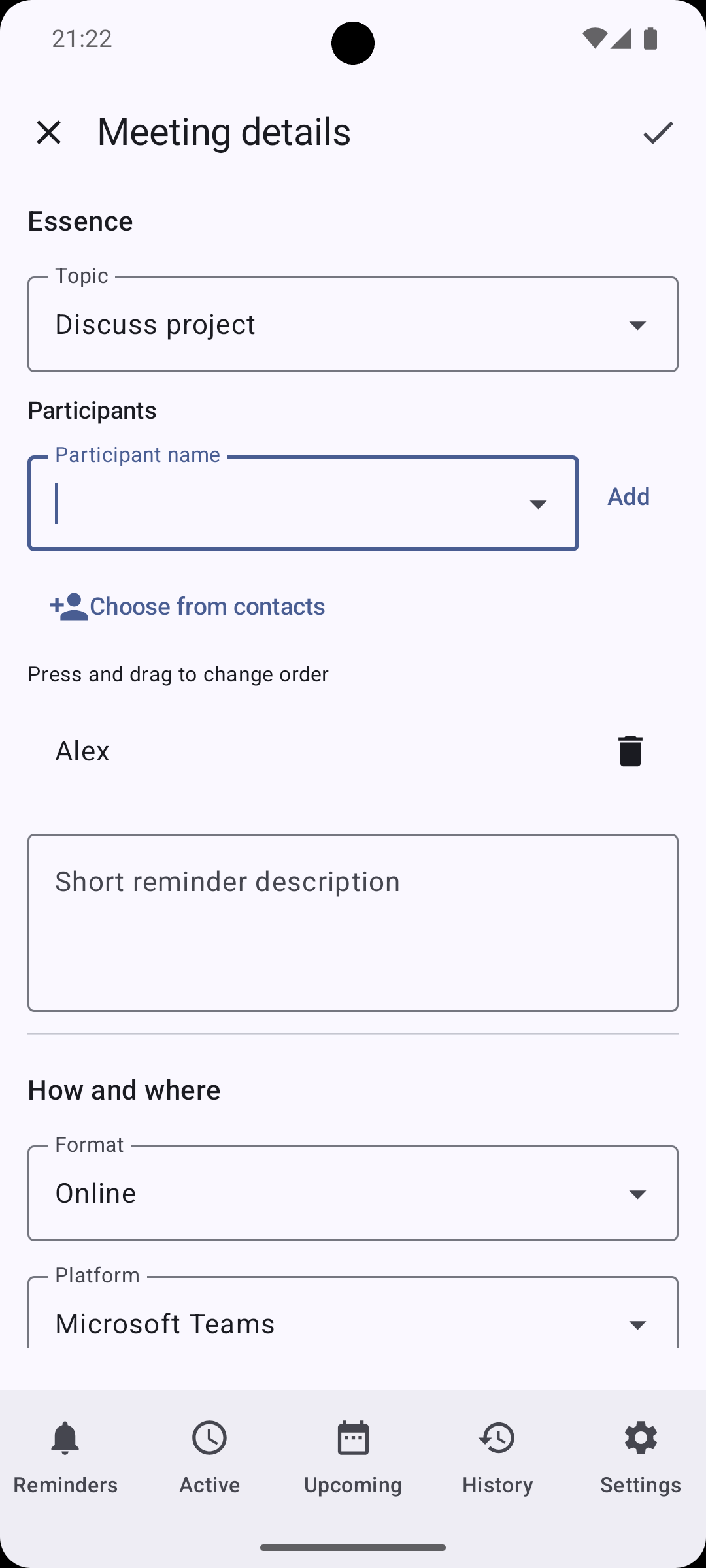
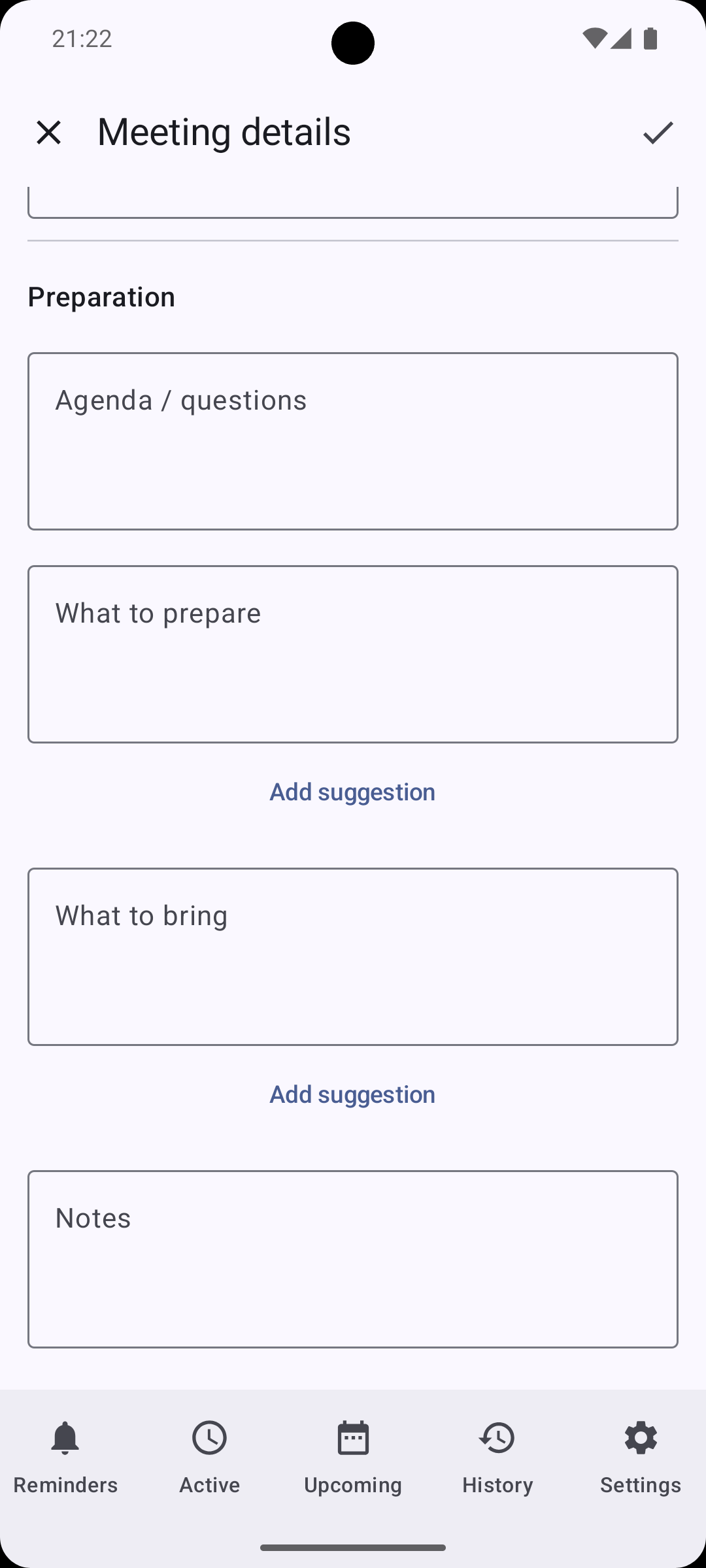
  • Meeting scenario
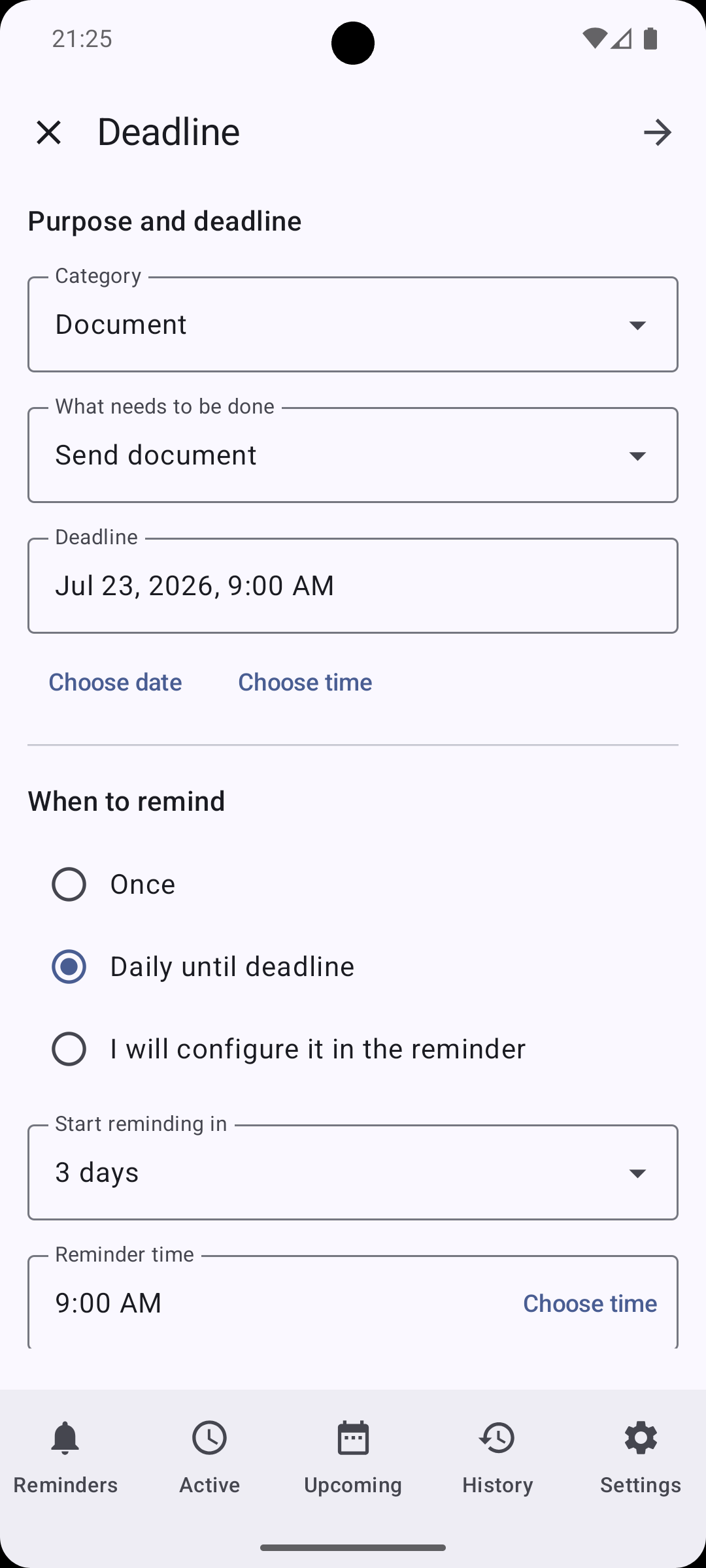
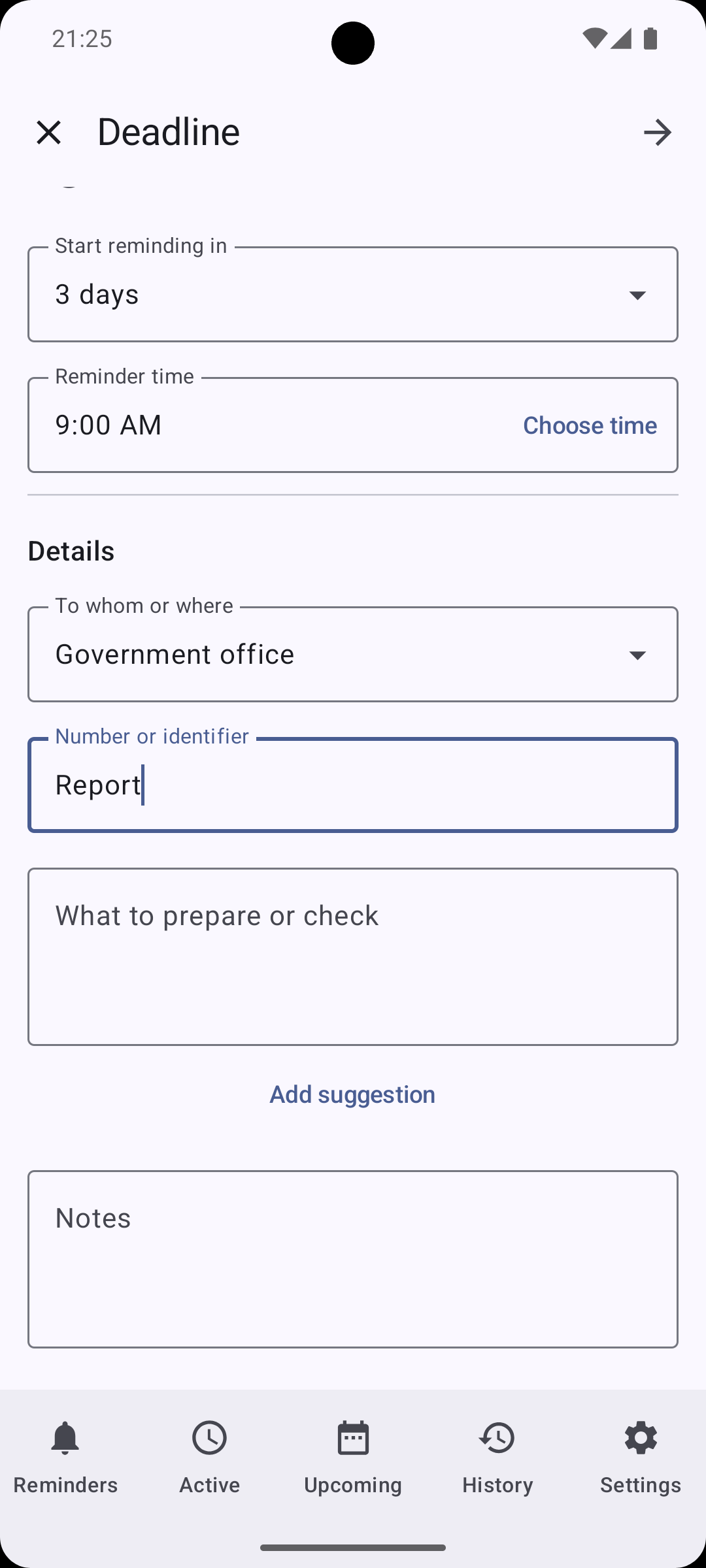
  • Deadline scenario
  • Send reminders to approved recipients

Initial access without a subscription

For 30 days after the first launch, all Pro features are available without a subscription. If you subscribe earlier, this time is not added to the subscription term.

No payment method is required. A subscription is not started automatically, so there are no charges when initial access ends.
Annual subscription through Google Play

The subscription renews automatically until canceled. Google Play shows the current localized price and billing period in the app before purchase; the website does not duplicate a price that may vary by country.

You can manage or cancel the subscription in Google Play.

Your rhythm

Flexible recurrence works the way you need it to.

For recurring tasks, choose a clear way to count time: by schedule or from the moment you completed the previous action.

By schedule

12:0015:0018:00

Snooze a reminder for 15 minutes — the next reminder stays at its usual time.

From completion time PRO

12:1515:1518:15

Complete an action at 12:15 — the next interval begins from 12:15.

Snooze, complete, and review history. PRO Active missed-reminder control provides dedicated summaries.

Start when it works for you

PRO

Reminders begin when you do.

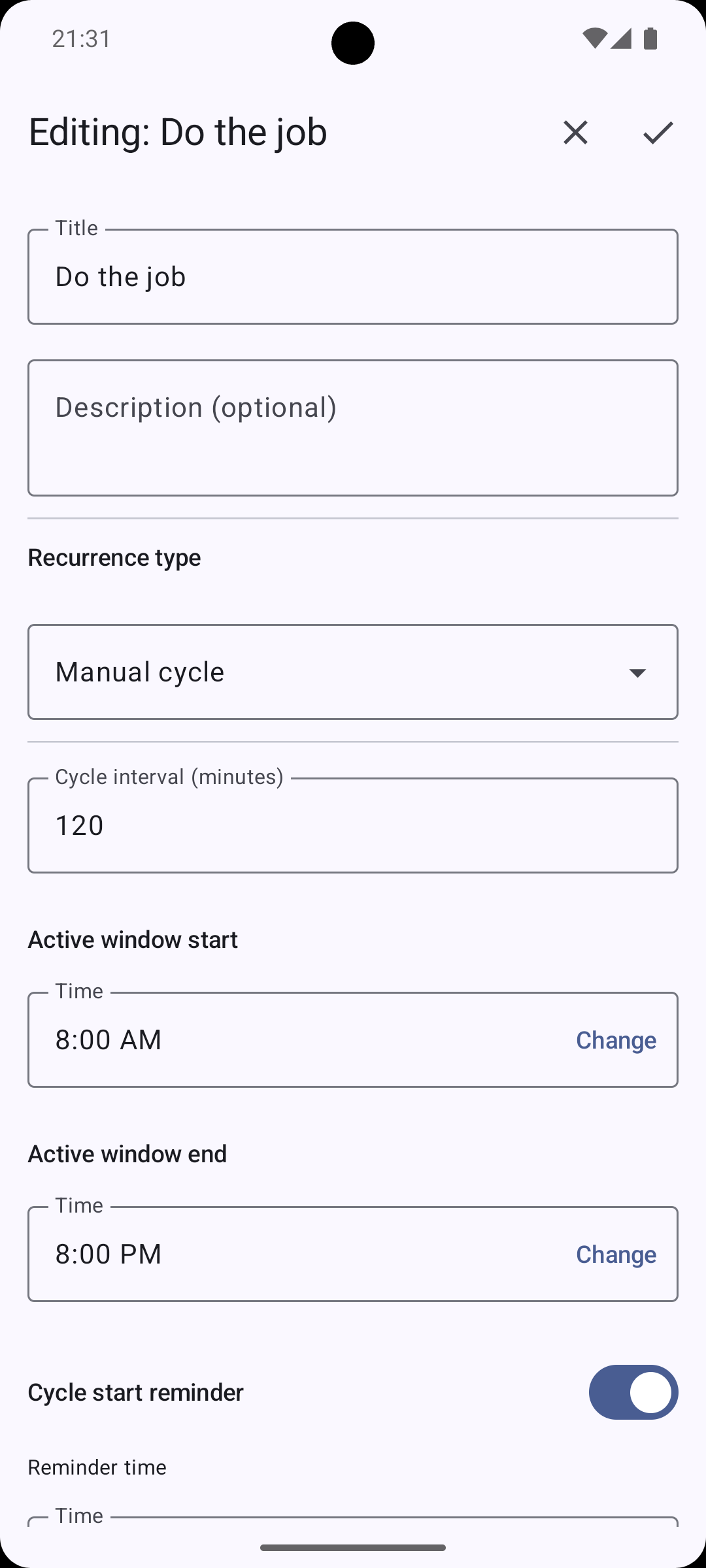
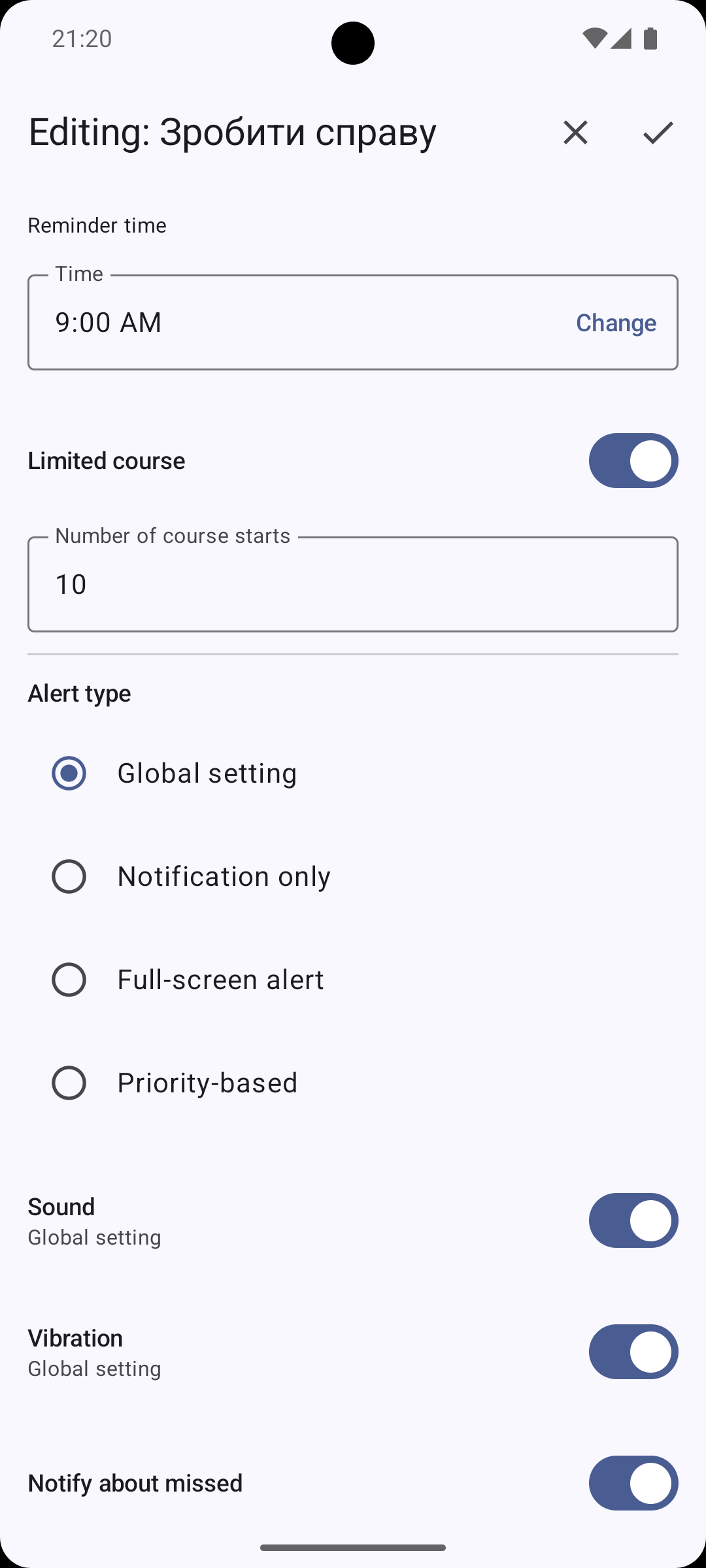
DKReminder reminds you to start the manual cycle. Begin whenever it works for you, and each following occurrence is scheduled from the actual start time within the active window.

Example

Start a cycle at 9:30 with a two-hour interval, and the next reminders arrive at 11:30, 13:30, and so on within the active window.

When more than time matters

Keep the context alongside the reminder.

For a meeting or deadline, gather the details you need in one place, then return to them at the right moment.

Meeting PRO

Participants, format, online platform, questions, and preparation — everything worth having before the conversation.

Deadline PRO

The due date, when to remind you, who to contact, and what to prepare or check.

Reminder exchange

Send a complete reminder. The recipient decides what happens next.

Exchange is optional. Local reminders still work without an account. When you choose Exchange, DKReminder sends the reminder you prepared — not a shared task and not a chat message.

Permission first

Sending permission is one-way and must be approved by the recipient. Either person can revoke it later.

An independent copy

The recipient can reject the item or open a filled editor, change anything, and save a new local reminder.

A private outcome

The sender cannot control the recipient’s copy and does not learn whether it was opened, imported, completed, or deleted.

Prepare the reminder once, then choose Save, Send, or Save and send. The recipient is selected by their exact verified Exchange email address; DKReminder has no public people directory.

Requesting permission and sending require PRO. Signing in, approving, receiving, rejecting, and creating a local copy do not.

Interface languages

DKReminder speaks your language — in 17 interface languages.

The app interface is available in the languages below. This does not mean that every Google Play listing asset or this website is translated into all 17 languages.

  • Ukrainian
  • English
  • Bulgarian
  • Czech
  • German
  • Spanish
  • Estonian
  • French
  • Hungarian
  • Italian
  • Lithuanian
  • Latvian
  • Dutch
  • Polish
  • Brazilian Portuguese
  • Romanian
  • Slovak

Privacy

Local by default, cloud only when you choose Exchange.

Local reminders stay on your device. An optional Exchange account uses Firebase only for account operations and reminders you explicitly send. Google Play handles the Pro subscription. DKReminder has no ads or analytics SDKs.

DKReminder is available on Google Play.

Add important things to your reminder system now — and return to them when they truly matter.

View on Google Play